
Installing GambOS applications.
If on GambOS then GambOS Software Center is already pre installed. You only need to install the guides using GambOS Software Center.
To install GambOS applications simply install GambOS Software Center. Once this is installed, start it and from there you can install other applications and guides.
All GambOS applications are written in Gambas and require access to a Gambas repository holding Gambas 3.19.6 or higher.
Run following in terminal:
In terminal:
su root
apt-get install gambossoftware
OR
In terminal:
sudo apt-get install gambossoftware
This will install GambOS Software Center on your system. You will find the application in your System Menu -> System Tools -> GambOS Software Center. Launch it to install further GambOS software. It will require elevated rights to run and internet access to install the applications.
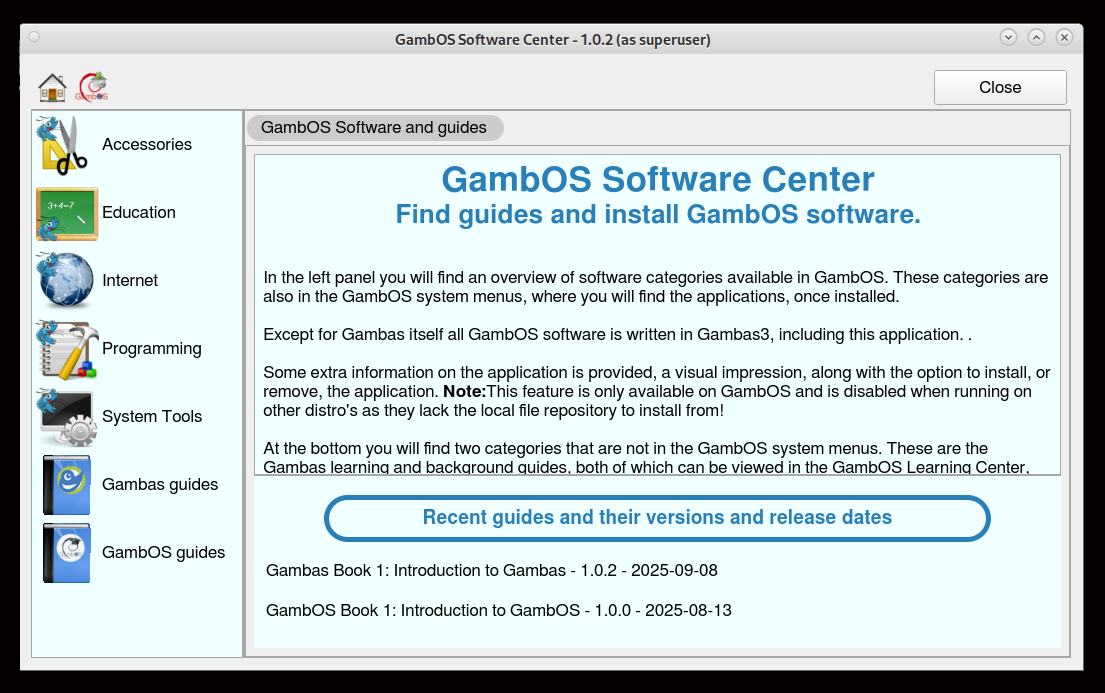
GambOS Software Center launched
In GambOS Software Center, clicking on the Education category will reveal all educational GambOS applications available for installation.
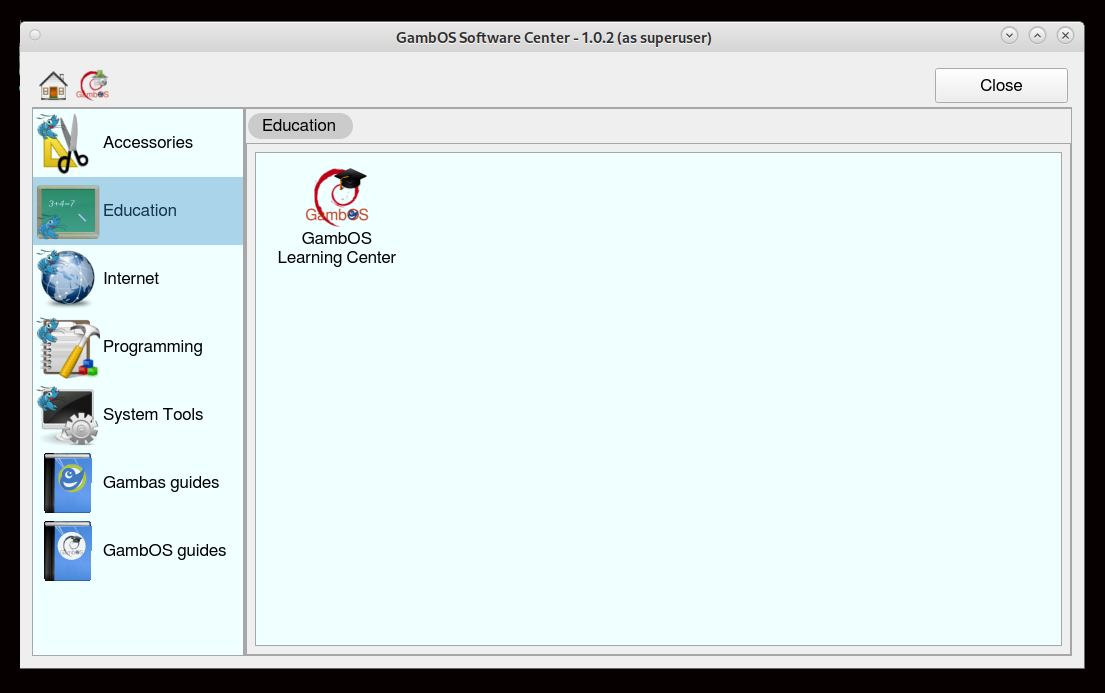
GambOS educational applications
Clicking on GambOS Learning Center will show a tab with Info and Install options.
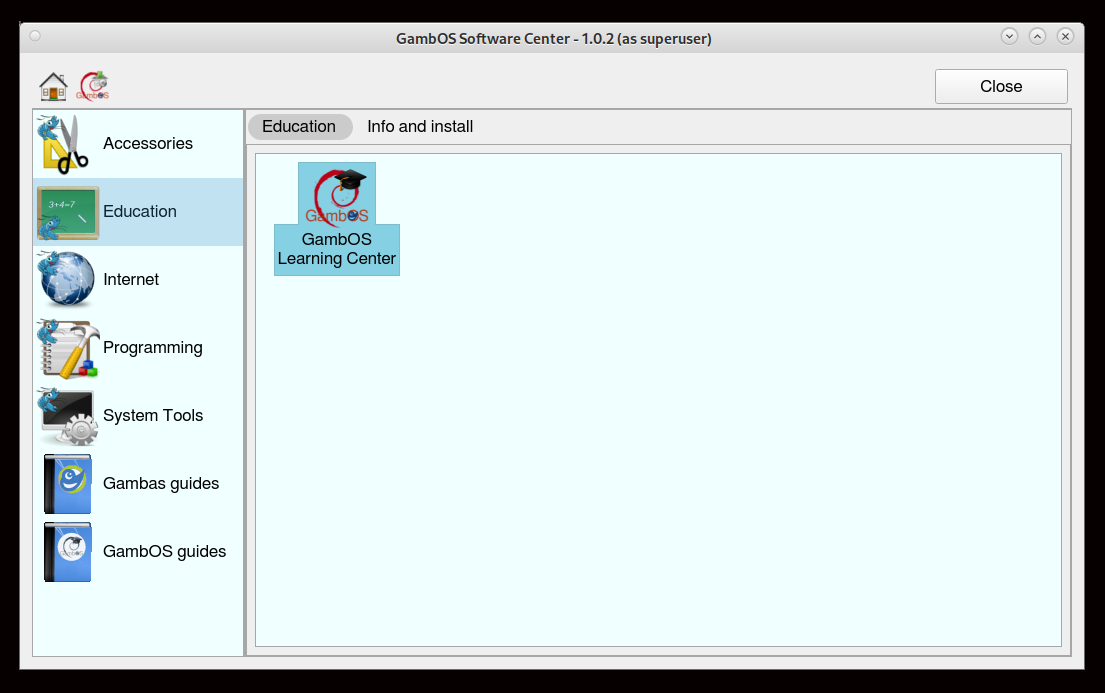
Click Gambos Learning Center to make a tab appear
Clicking on Tab Info and Install will allow you to read information about the application and install it, or remove it if installed.
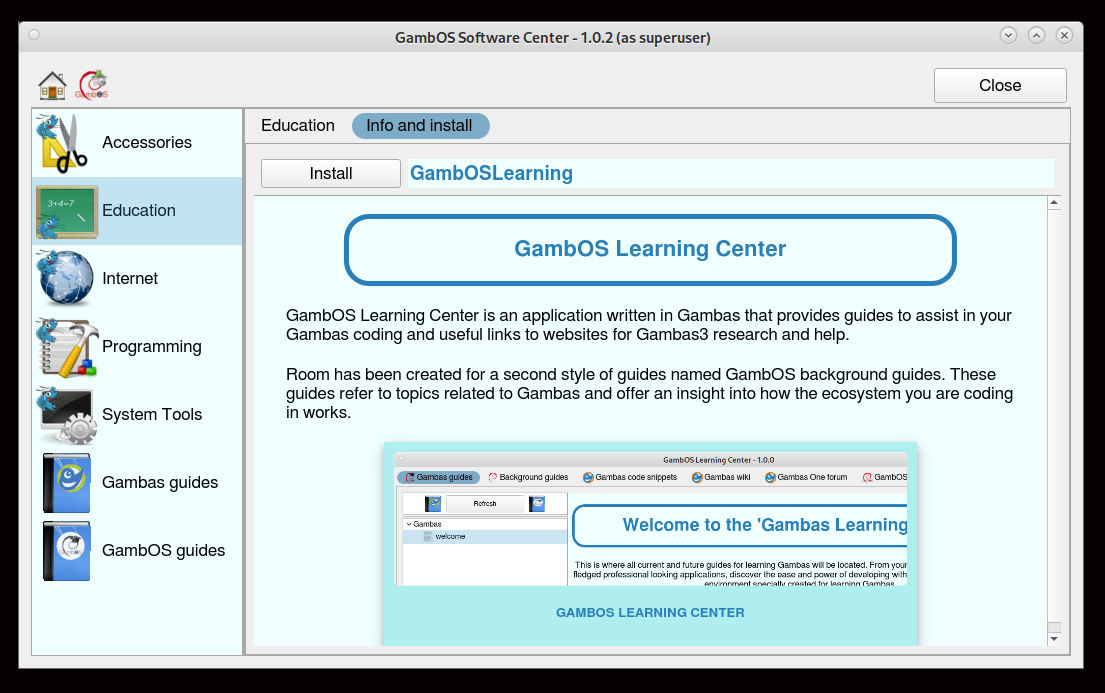
Tab Info and Install
All you now need to do is click the Install button to initiate the installation.
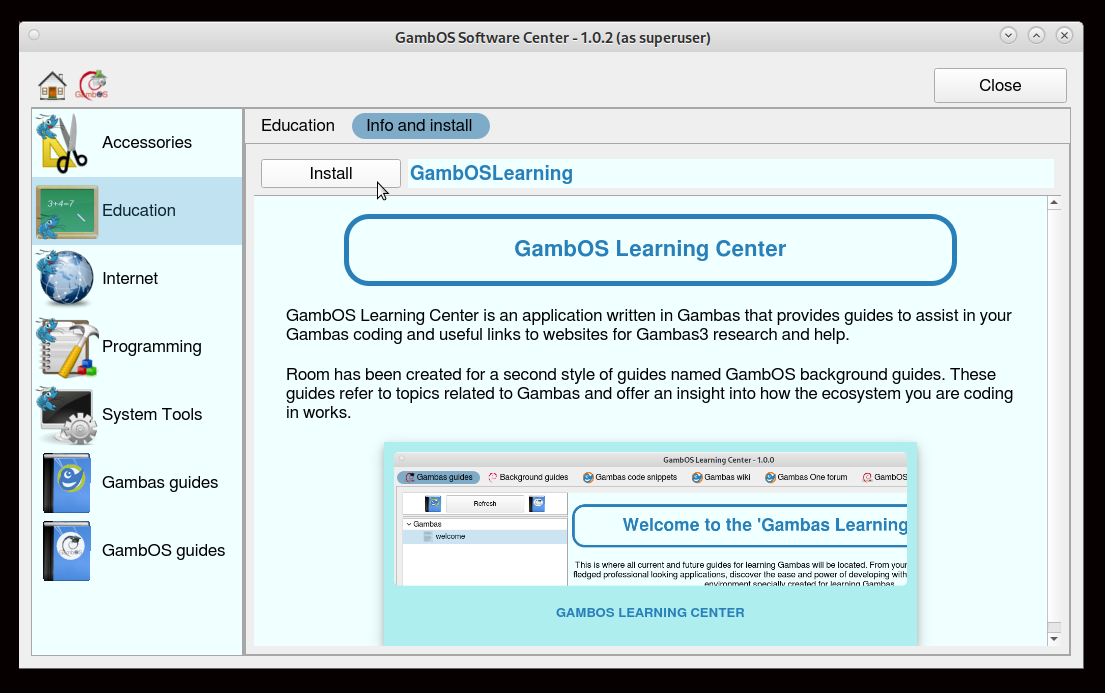
Installing GambOS Learning Center
You should end up with the installed GambOS Learning Center. You will need this to view the installable guides.
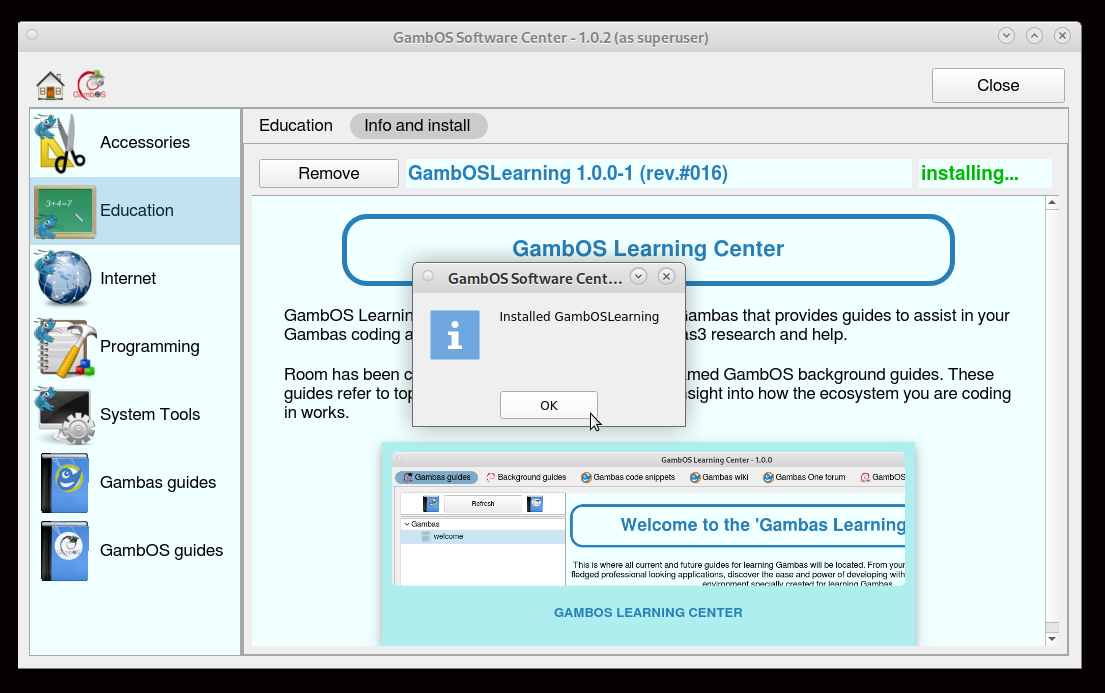
GambOS Learning Center installed
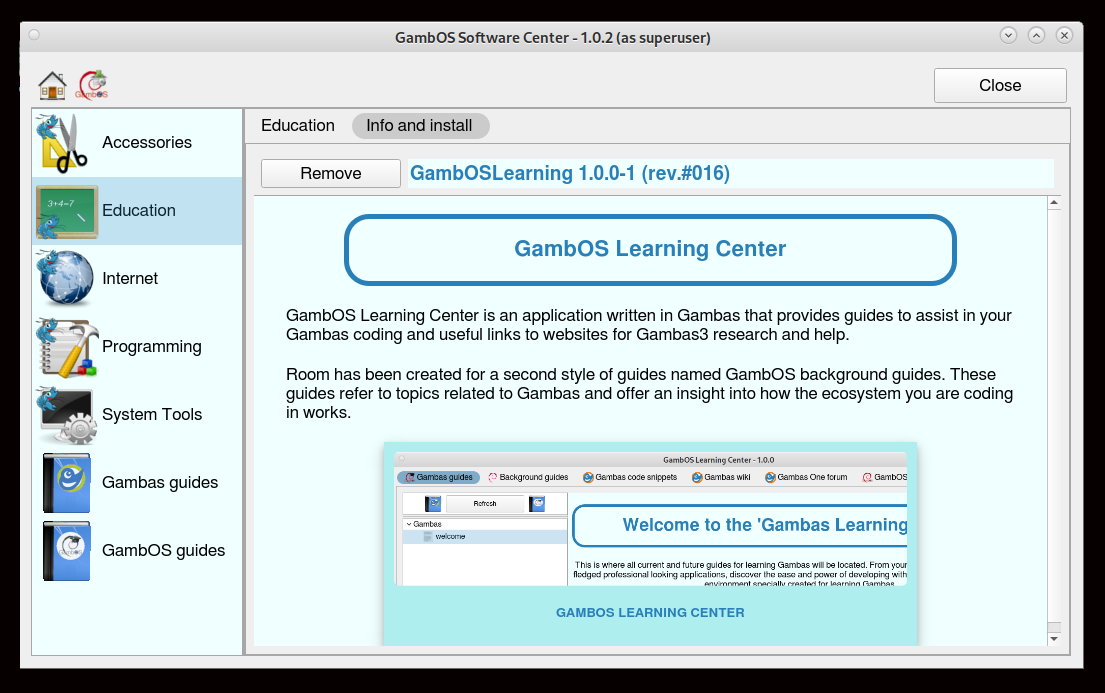
GambOS Learning Center installed
You will find GambOS Learning Center in the System menu -> Education.
Update GambOS software - all supported distro's
GambOS Software Center ONLY installs and removes applications. Updating applications is done using:
In terminal:
su root
apt-get update && apt-get upgrade
OR
In terminal:
sudo apt-get update
sudo apt-get upgrade
Install Gambas and GambOS guides - all supported distro's
Installing a guide is just as easy as installing software. Simply go to one of the two guide categories available, 'Gambas guides'1 or 'GambOS guides'. As with the applications, in the right panel you will see the guide icons of available, or upcoming, guides for that category.
Disclaimer: The Gambas guides are designed to be used with Gambas 3.19.6+bpo on a customized Debian 12 Mate 1.26.0 desktop, named GambOS 2.0. Using a different Linux distribution or Gambas version is still possible but may result in different outcomes.
Running a Wayland only system is not recommended as some programs will simply NOT work. Most applications in the guide use x11 capabilities that Wayland simply doesn't have. You have been warned!
After clicking on a guide icon, click on the Info and install tab, then click the Install button to install the guide.
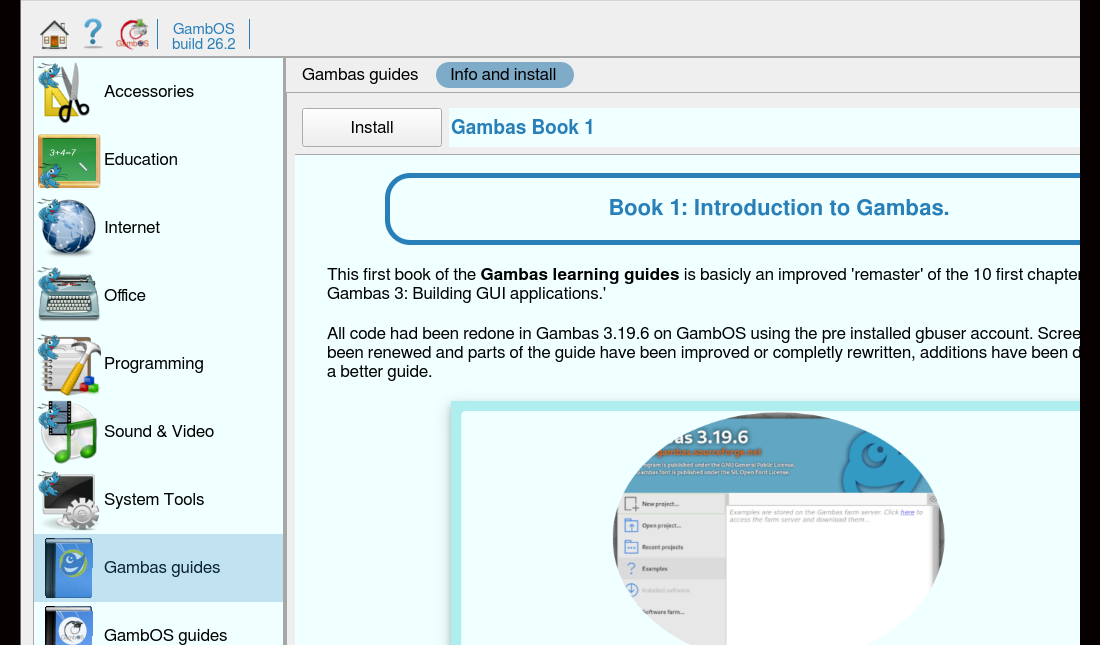
Click the Install button to install a guide
The installed guide can be viewed in Gambas learning Center.
Update Gambas and GambOS guides - all supported distro's
GambOS Software Center installs and removes guides and also checks for updated guides, to keep the guides up-to-date check 'Recent guides and their versions and release dates' on the front page of the GambOS Software Center for updates.
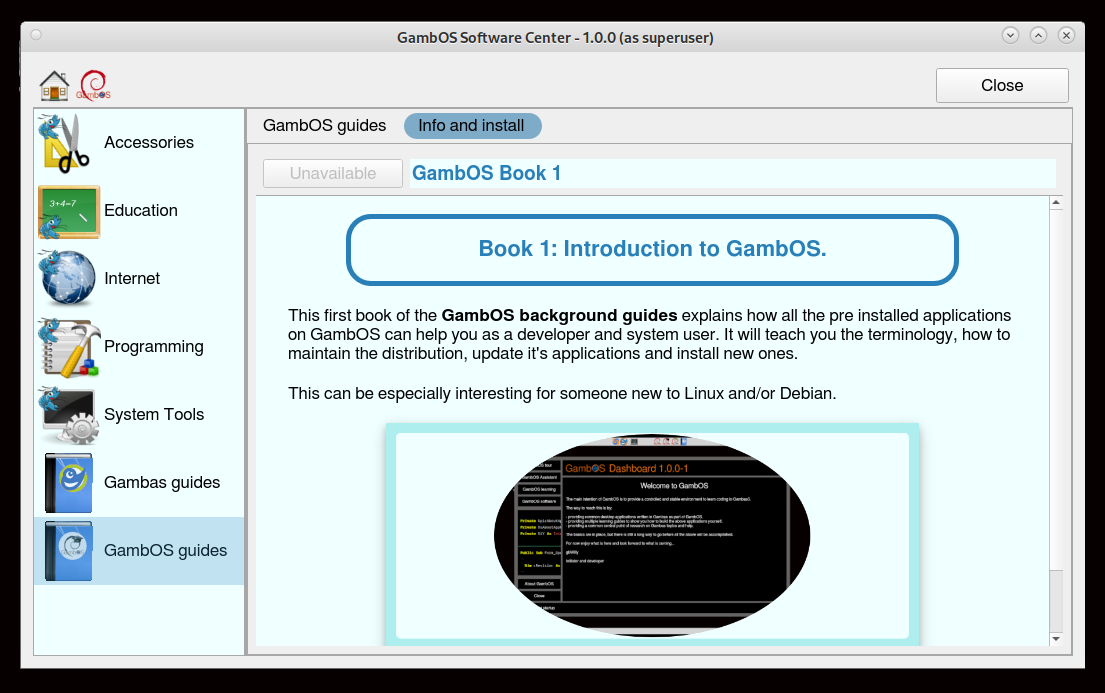
Recent guide releases
If, on the front page, you see that a new version of a guide is available, simply click in either the 'Gambas guides' or 'GambOS guides' category in the left panel. Click on the guide icon and then the Info and Install tab and click the Upgrade button, for a more recent guide version.
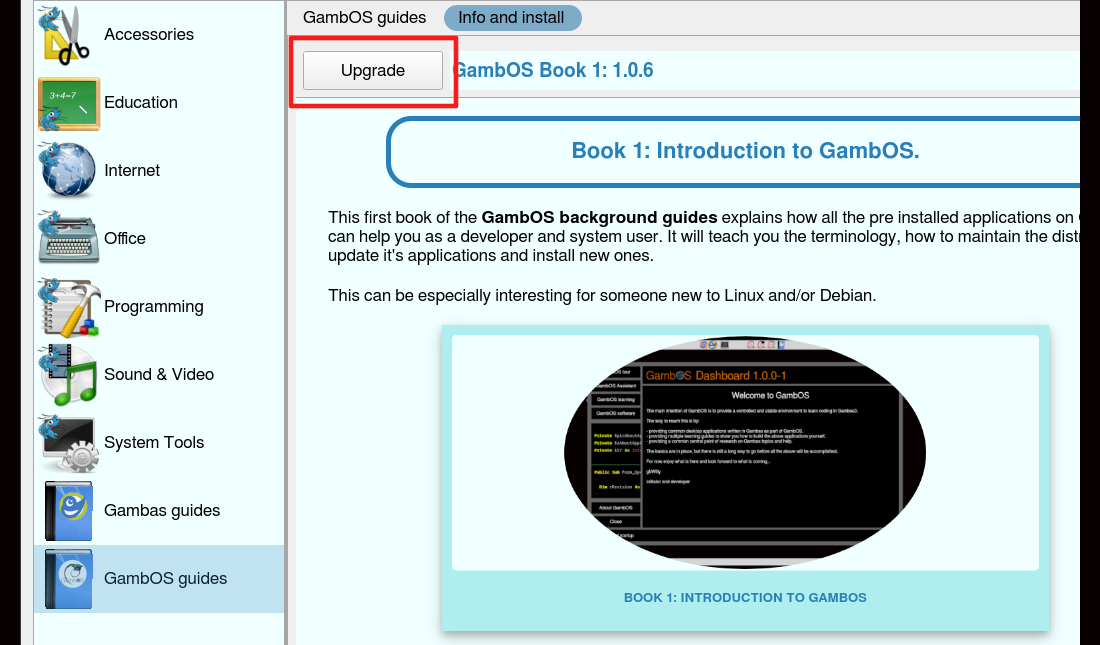
New guide version to upgrade to
If you see a guide is unavailable, it simply means that this guide is a work in progress and will become available for installion somewhere in the future.
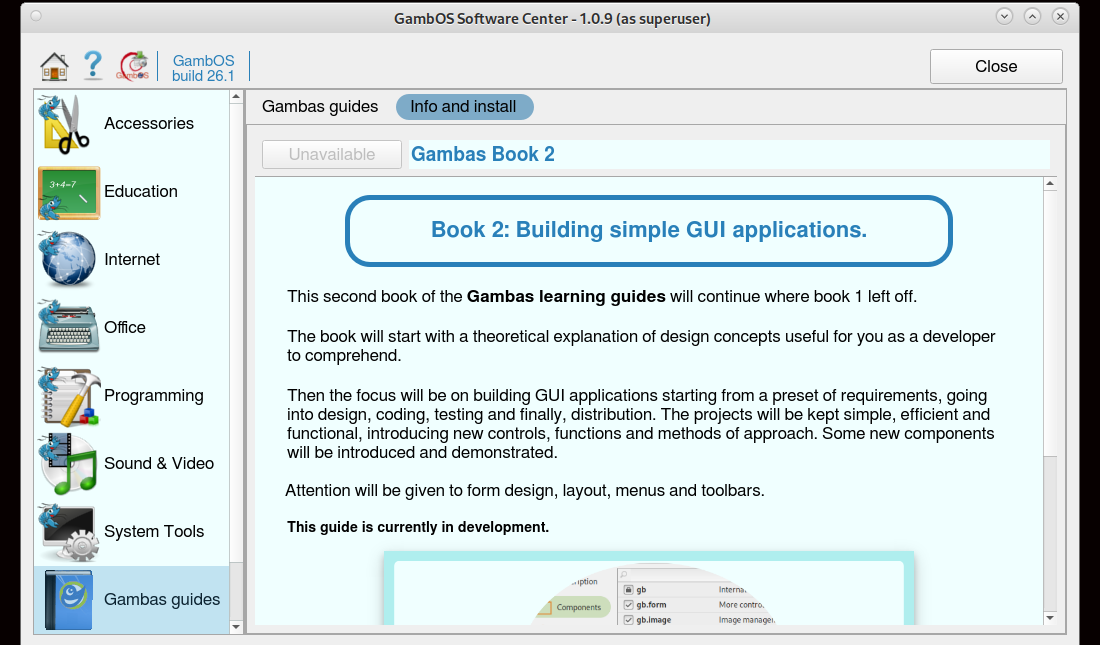
Guide unavailable!
Repository created with RepoBuilder 0.2.2-1 (rev.#031) Beta 3 (using LibGb3DebPack 0.2.1-1 (rev.#017) Beta 2)
More info about this project at Gambas3 Debian and Ubuntu Repositories